
Key Takeaways
- Effective warehouse barcoding gives every item and location a unique, scannable identity, improving accuracy and making daily operations easier to manage.
-
Choosing the right barcode type and using it consistently drives faster picking, real-time visibility, and fewer errors across the entire warehouse.
-
Whether products arrive with barcodes, need to be labeled, or require multiple supplier barcodes, clear processes ensure your data stays clean and reliable.
Warehouse barcoding is one of the simplest ways to bring order, accuracy, and confidence into your daily operations. When every item and location has a clear, scannable identity, your warehouse becomes easier to manage and far less prone to costly mistakes.
Whether you are just getting started with warehouse barcoding or you already have experience and want to tighten your processes, this guide is designed for you. Here you will find practical actions you can apply immediately in your own warehouse.
What is a barcode and how does it work in a warehouse?
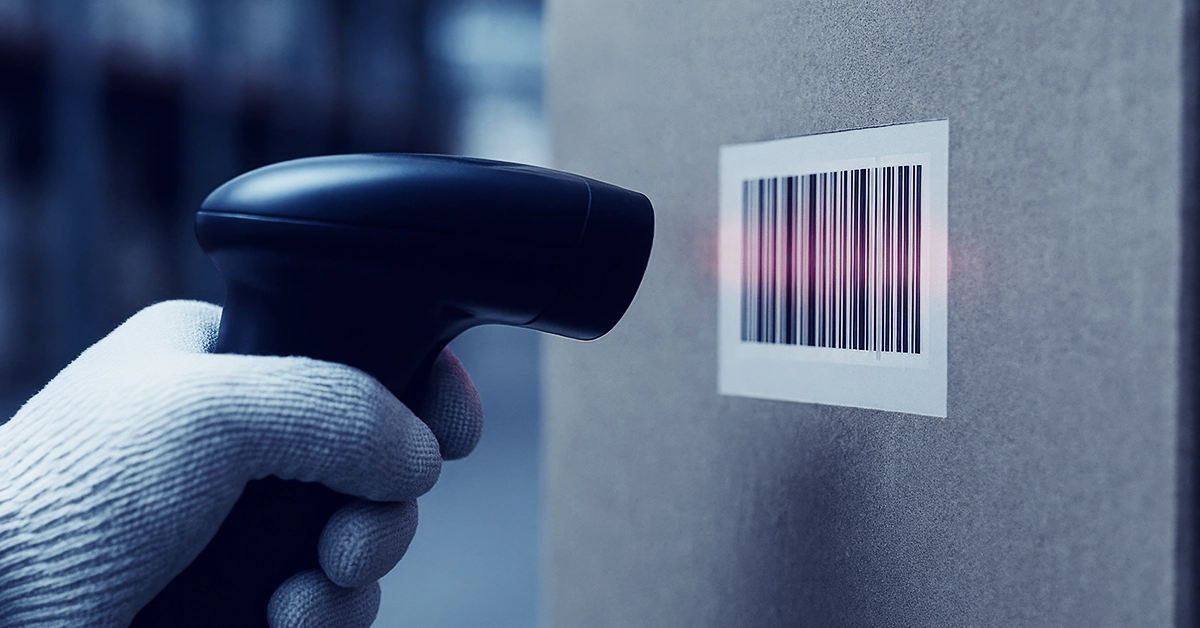
A barcode is a machine-readable label (usually a series of vertical lines or a QR code) that stores key information about whatever it’s attached to. In a warehouse, that’s typically a product, a bin location, or a shipment.
Barcodes act like digital IDs. When scanned with a mobile device, they tell your warehouse management system (WMS) exactly what the item is, where it is, and what needs to happen next. For example, scanning a product during goods-in confirms receipt and assigns it a location. Scanning a pick bin during fulfillment ensures the right item is being picked.
In the Descartes Peoplevox WMS, barcodes power nearly every workflow: receiving, putaway, replenishment, picking, packing, and returns. They’re the foundation of warehouse accuracy and real-time inventory visibility.
When this foundation is in place, mis-picks and mis-ships become far less common, and your team can move faster with confidence.
What type of barcode should you use?
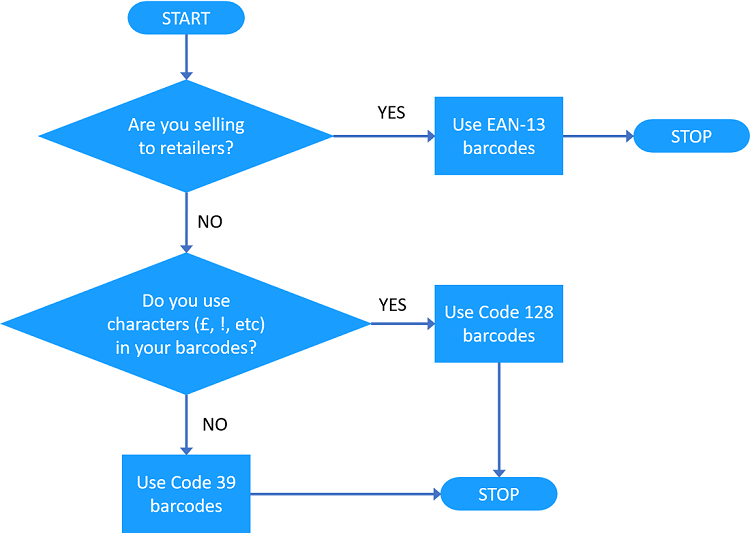
Warehouse barcoding uses different formats, known as symbologies, which define how information is encoded into bars and spaces. In warehouse management systems for ecommerce brands, there are typically three main barcode types to choose from: EAN-13, Code 128, and Code 39.
Selecting the right barcode type helps ensure scanning remains fast, reliable, and compatible with your broader supply chain.
Guide to selecting the right barcode type
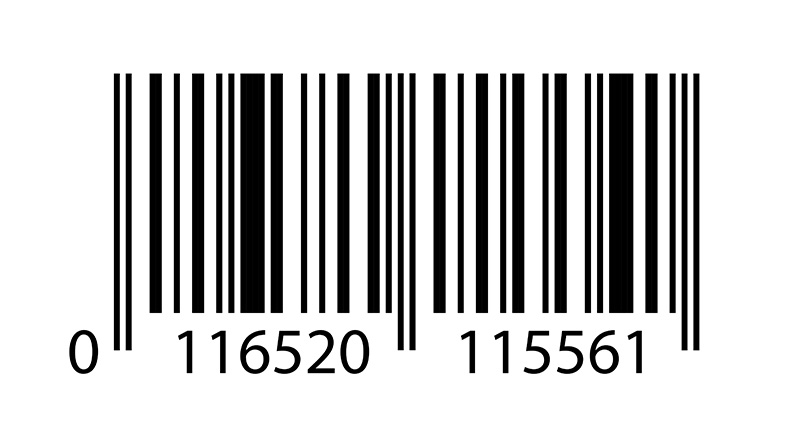
EAN-13
Description:
A standard retail barcode used globally. It consists of a country code, company prefix, product number, and a final check digit. Scanners can look up product information, like price and stock.
What it supports:
Consumer-facing retail products.
When to use it:
If your products are sold through retail channels, EAN-13 is the correct choice.
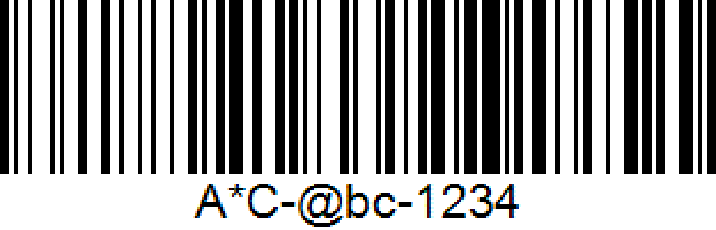
Code 128
Description:
A very high-density barcode symbology.
What it supports:
Full ANSI character support, including numbers, upper- and lowercase letters, and special characters.
When to use it:
Choose Code 128 if your item codes or SKUs are complex or include special characters.
Code 39
Description:
A variable-length barcode symbology.
What it supports:
Uppercase letters A–Z and numbers 0–9.
When to use it:
Use Code 39 for simple item codes. Avoid it if your SKUs include special characters or lowercase letters.

Not sure which barcoding system is best for your ecommerce warehouse? Request a demo
How to get started with warehouse barcoding
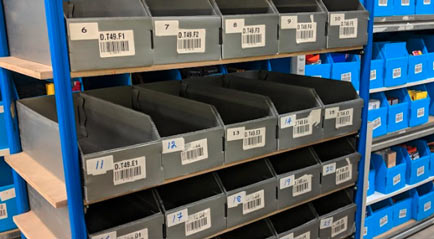
To keep your warehouse running smoothly, each item code or SKU needs its own unique barcode. Depending on how your operation is set up today, you may fall into one or more of the scenarios below.
Items already barcode-labeled and recorded in your database
This is the ideal scenario. Your product database is complete and ready to be imported directly into a warehouse management system. Once imported, your warehouse can begin scanning immediately without additional setup.
Items barcode-labeled but not recorded in your database
If your items already have barcodes but those barcodes are not stored in your product database, you will need to capture them.
Start by asking your suppliers for the SKU or item codes along with the assigned barcodes. Export your product database to an Excel file, then use a barcode scanner to input the barcode data. Once complete, re-import the updated file into the WMS to keep your system and physical inventory aligned.
Items not barcode-labeled but barcodes exist in your database
In this case, your system has the data but the physical items do not have labels. You will need to print and apply barcode labels before those items move through the warehouse.
Import your product database into your WMS and use the system to generate and print the required barcode labels. Applying these labels ensures items can be scanned accurately during picking, packing, and stock movements.
Items without barcodes in your database or on the items
Your next steps depend on how your business operates.
If you manufacture the items or own the brand:
Register with GS1, the global authority for barcodes, and assign EAN-13 barcodes to your products. This ensures your items are correctly labelled for retail and downstream supply chains.
If you resell items and do not own the brand:
Request the EAN-13 retail barcodes from the manufacturer. If that is not possible, you may need to assign your own barcodes. In this case, coordinate carefully with any retailers you supply to avoid barcode conflicts.
If you import items and do not sell to retailers:
You have more flexibility. Many warehouses use their SKU number as the barcode. Be mindful of potential issues such as duplicate SKUs or codes longer than 15 characters, which may not fit on labels.
Multiple products sharing the same barcode
This situation usually occurs due to supplier error. Each unique product needs its own barcode to be tracked accurately.
If this happens, ask your supplier to correct the issue or apply new barcodes when the goods arrive at your warehouse. Resolving this early prevents inventory confusion later.
Single items with multiple barcodes
Some items may arrive with different barcodes because you source them from multiple suppliers. Here’s how Peoplevox can help you handle this scenario.
To manage multiple barcodes for one item:
-
Go to the Items tab in the Warehouse module
-
Select the item and click View
-
In the Edit item dialog, click Edit, then Suppliers
-
Enter the alternative barcode as a Manufacturer item number for each supplier
-
Click OK and Save
If you manage many items like this, importing an Item type suppliers file can save time and reduce manual work.
Not sure how to organize your warehouse barcoding? Request a demo
Is warehouse barcoding worth it?
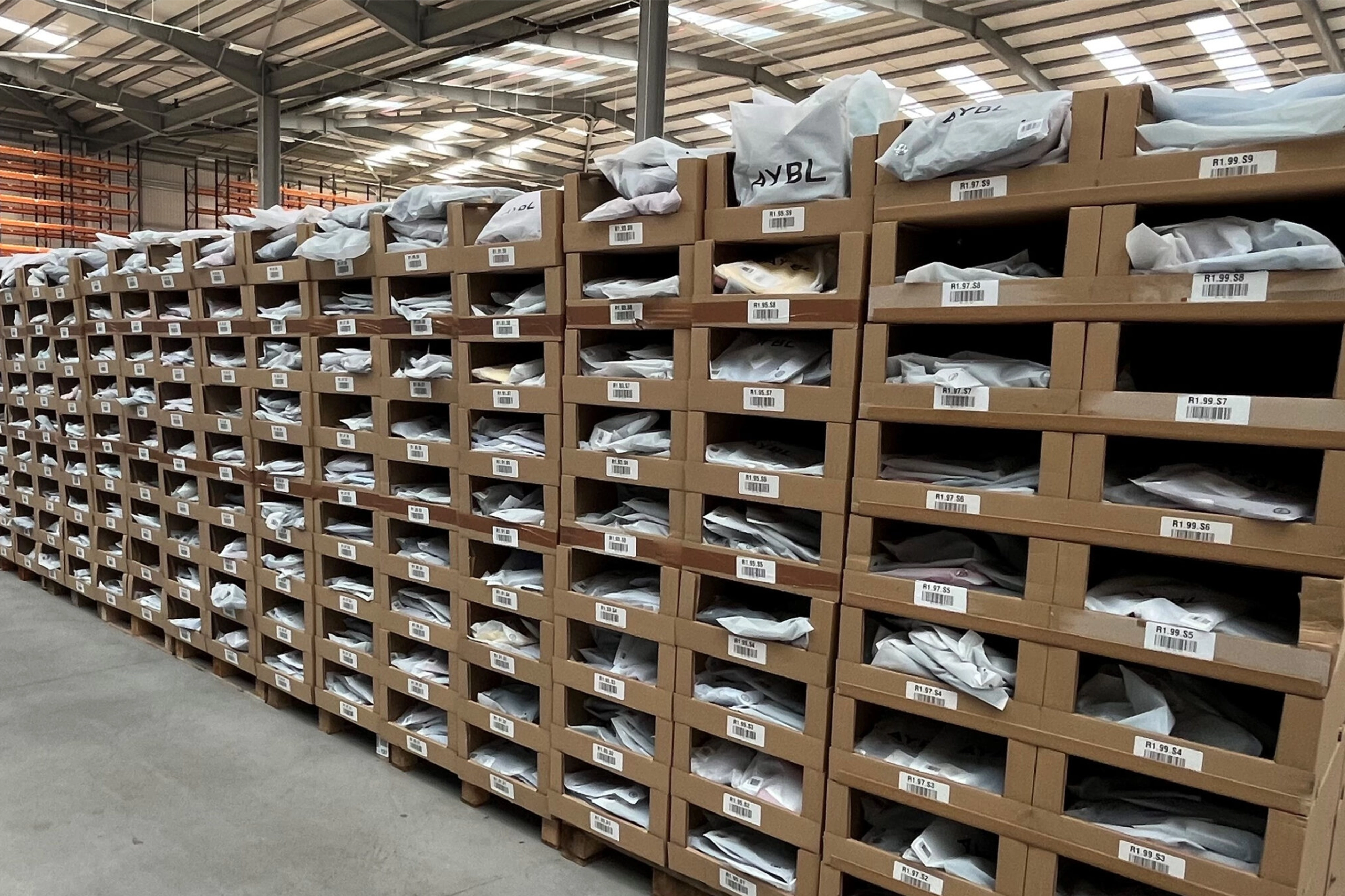
Implementing a warehouse barcoding system may seem intimidating, especially if you still use paper-based processes. However, the time and effort quickly pay off in operational cost savings and increased efficiency. Here are some business results achieved by Descartes customers who implemented warehouse barcoding with Peoplevox WMS.
Enhanced accuracy and fewer errors
Barcodes remove manual data entry from your workflows. Instead of typing product codes or quantities, your team scans items to record information instantly. This reduces errors, improves inventory confidence, and helps ensure orders are fulfilled correctly.
-
DISSH reduced mispicks dramatically by using barcode scanning at every fulfillment stage. The result? A 45% increase in outbound fulfillment productivity and near-perfect accuracy on every order.
-
BraForMe achieved 100% picking accuracy after implementing scan-driven picking and packing workflows. This ensured marketplace compliance and kept inventory perfectly in sync across all channels.
Faster operations and higher efficiency
Scanning is significantly faster than manual processes. Receiving, picking, and stock counts all happen more quickly, allowing you to move more volume without increasing headcount.
-
Goodfair increased daily shipments from 200 to as many as 1,600 orders after going live with Peoplevox. The switch from paper to scan-based workflows drove a 700% boost in fulfillment speed.
-
JOELLE Collection tripled its fulfillment volume with no increase in staff. Barcode scanning enabled faster pick-pack-dispatch and cut training time for new hires.
Real-time tracking and visibility
Each scan updates your system immediately. You always know where items are, how much stock is available, and when replenishment is needed. This visibility helps you spot issues early and keep operations running smoothly.
-
Lorna Jane uses Peoplevox across multiple warehouses globally, enabling full visibility into inventory and team performance from anywhere. This visibility supported a 35% increase in picking productivity and allowed them to scale without friction.
-
Blue Bungalow cut down inventory checks and dramatically reduced errors after going live with Peoplevox. Live dashboards and real-time visibility into stock enabled tighter staffing and performance management across the operation.
See how Descartes Peoplevox can help
At Descartes, it’s our mission to make your warehouse easier to run and more resilient as volume grows. We understand that warehouse barcoding is the foundation for accuracy, speed, and scalability in your ecommerce operation. And that’s why the Peoplevox WMS is built around it.
Ready to see how Descartes Peoplevox supports clean barcode data, guided workflows, and real-time visibility across your warehouse?
Warehouse Barcoding FAQs
Do you need barcode scanning at every step of the warehouse workflow?
You do not need to scan at every single step, but you should scan at every point where accuracy matters most. Receiving, picking, packing, and stock movements are common scan points. The goal is to reduce manual decisions and create reliable data without slowing your team down.
How do you keep barcode data clean as your product catalog grows?
Consistency is essential. Define clear rules for how barcodes are assigned, stored, and updated, and make sure those rules are followed as new products are introduced. Regular checks help prevent duplicates, outdated codes, or mismatched data from entering your system.
Can warehouse barcoding support automation in the future?
Yes. Barcoding often acts as the foundation for more advanced workflows. Automation, guided picking, and system-directed processes all rely on accurate, scannable data. Getting barcoding right early makes it easier to adopt new capabilities later.
How can you tell if your warehouse barcoding setup is working well?
A strong barcoding setup shows up in daily performance. You should see fewer picking errors, faster receiving, more reliable stock counts, and greater confidence in inventory data. When teams rarely need to override the system, barcoding is doing its job.
Does warehouse barcoding help reduce training time for new staff?
Yes. When barcodes are used consistently, new team members can rely on scanning and system prompts rather than memory. This helps them follow the correct process, make fewer mistakes, and become productive more quickly.