

Key Takeaways
-
A retail warehouse serving both ecommerce and in-store customers must balance strict inventory accuracy with real-time, face-to-face selling.
-
The right operating model depends on how inventory is shared between the warehouse and the retail floor.
-
Clear processes such as barcode scanning, real-time stock updates, and defined pick rules are essential to prevent overselling.
-
Brands that succeed treat the warehouse as the system of record, even when customers walk in off the street.
- Outgrowing a hybrid store and warehouse is not a failure of strategy. It’s a sign the business is working and needs scalable systems.
For fast-growing ecommerce brands, it’s common for a retail warehouse to pull double duty. You might have a warehouse that fulfills online orders, with a retail store, showroom, or trade counter attached to the same building.
In many cases, the majority of sales revenue comes from ecommerce, but you also get foot traffic in the physical store. That’s where the complexity starts. How do you keep track of what’s physically available for sale in-store and what’s already sold online, awaiting fulfillment?
The challenge of retail warehousing
Overselling, stockouts, and late deliveries
In retail warehousing, the biggest risk is overselling. When a customer buys something in-store, that unit must come off sale online immediately.
Ecommerce demands rigid inventory accuracy, structured workflows, and tight system control. Otherwise, you risk overselling or delivering orders late and disappointing customers.
On the other hand, in-store selling is immediate and requires physical products on hand for customers to purchase. Your retail warehouse has to support both without letting in-store purchases delay online order fulfillment.
A real-world example
A good example of this complexity in action is Fishing Tackle and Bait, which originally struggled with overselling when store and warehouse stock overlapped. Tight warehouse control and real-time inventory visibility became critical as the business scaled across ecommerce and physical retail. Read their success story
How to prevent overselling
Overselling is not inevitable. You can prevent it by structuring inventory and fulfillment processes so that accuracy, speed, and customer experience all hold up.
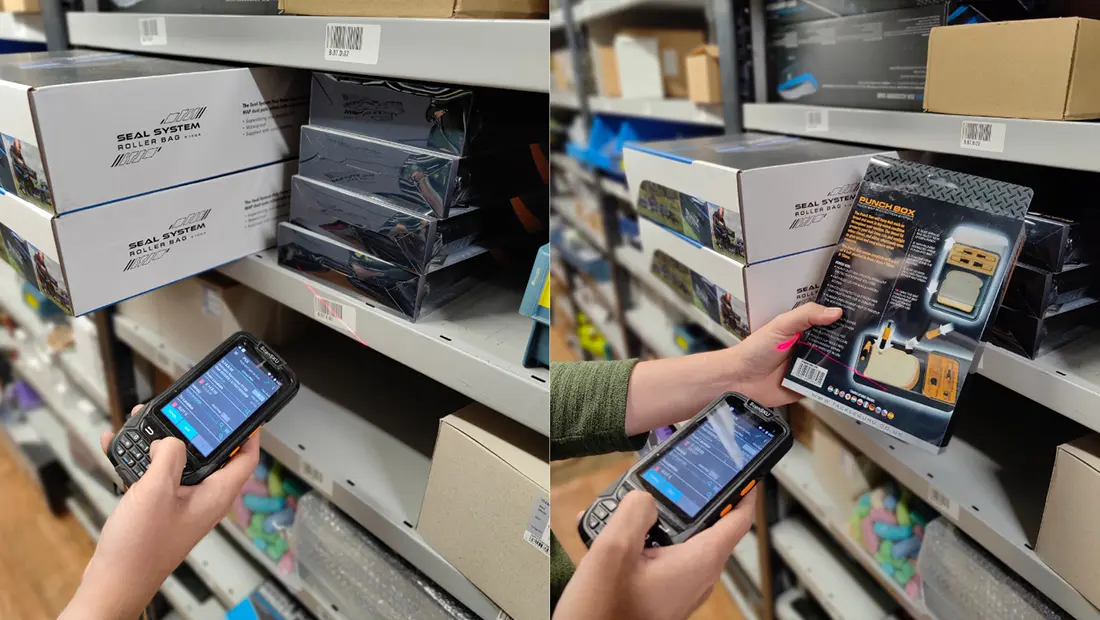
Many brands solve this challenge by using the same warehouse management system (WMS) scanning process in-store as in the warehouse. The item is scanned at the point of sale to remove it from inventory, while the sales transaction itself is handled through a POS system such as Shopify POS or Square.
Let’s explore the three most common ways brands manage a retail warehouse with a WMS.
Three common retail warehouse strategies
Strategy 1: Retail store inventory is also available online
Best for: Retailers that want to maximize sellable stock across all channels and are disciplined about real-time inventory control.
This strategy works best when ecommerce is the primary revenue driver and in-store processes are tightly integrated with warehouse scanning workflows to prevent overselling.
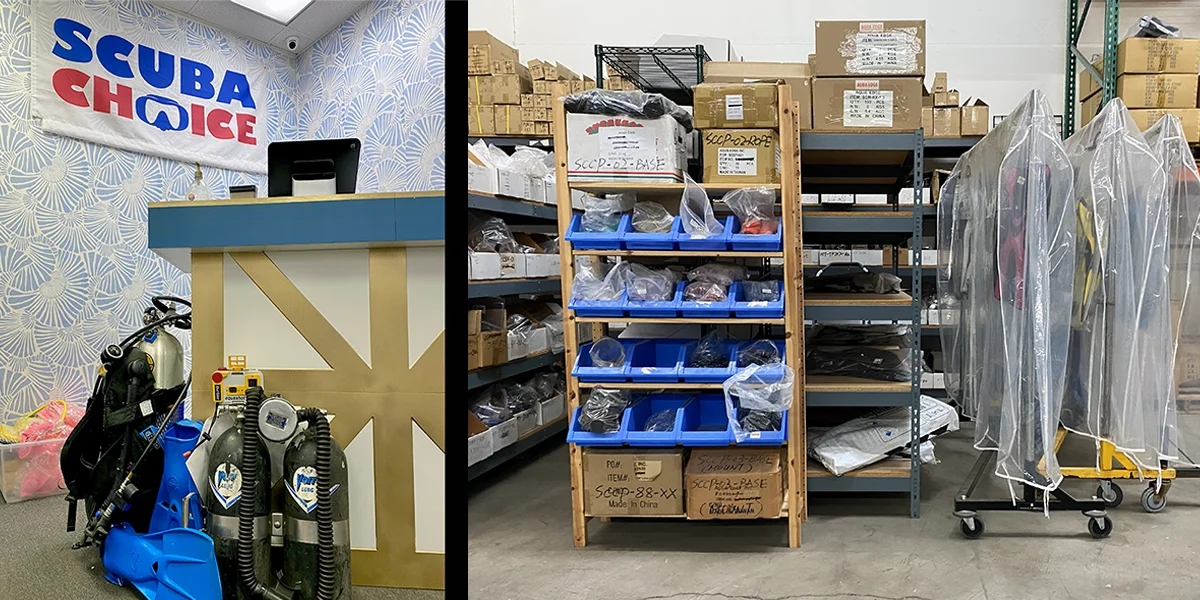
This is the most inventory-efficient model and also the most operationally demanding.
In this setup, all stock counts, including items sitting on retail shelves, are available for purchase online. Your WMS must be able to track exactly where that inventory lives and how it can be used.
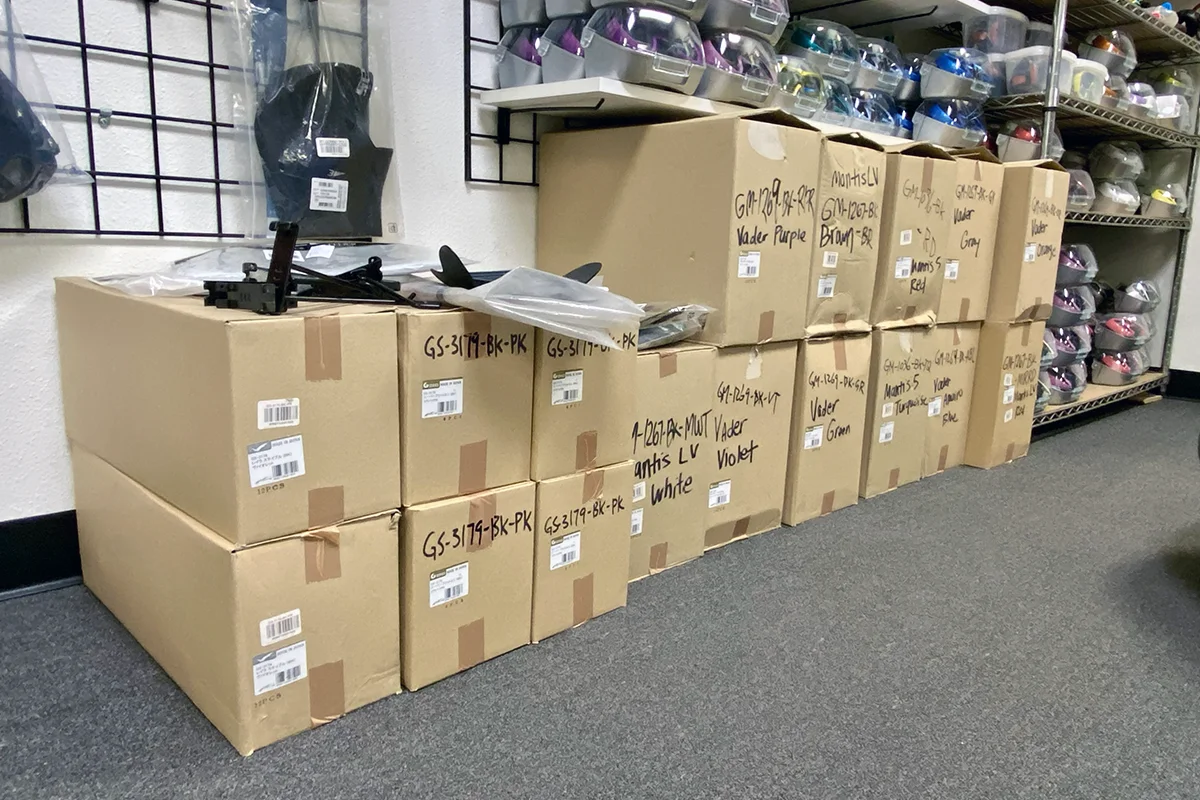
Retail shelving as bulk storage
One approach is to set the retail store up as a bulk storage location inside the WMS. That means ecommerce pickers are never sent onto the shop floor during trading hours.
Instead, online orders that require store stock are reported periodically, and those units are moved from the retail area into the warehouse before dispatch.
Retail shelving as pick location
Another option is to allow the retail floor to act as a pick location. This maximizes product availability but introduces real-world friction.
Pickers moving through a live store environment is rarely ideal, especially during busy periods. Have you ever tried to shop at Walmart while dodging pickers with large carts?
Strategy 2: Warehouse inventory is available to in-store customers
Best for: Trade-focused or legacy retail businesses where in-store sales remain important and customers expect immediate access to warehouse-held stock.
This approach suits operations that can support structured request and picking workflows without slowing down the in-store experience.
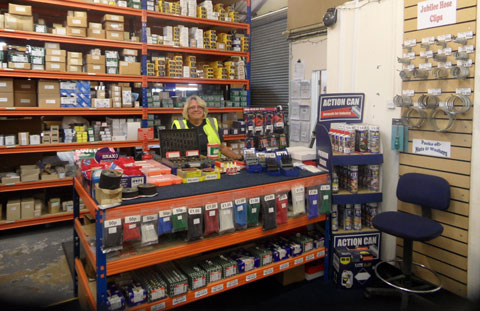
In this strategy, in-store customers can request items that are physically stored in the warehouse, not just on the retail floor.
This setup often works best for trade counters or brands that started as physical retailers before adding ecommerce. However, it may introduce a key limitation: Without a scan-based fulfillment workflow, this method can quickly become a slow, error-prone mess.
If a walk-in customer wants an item stored deep in the warehouse, routing that request through your full ecommerce fulfillment workflow is not practical. Yet you can’t just grab products from the warehouse without updating inventory in the system, or it will throw off your stock count. And trying to reconcile hastily scribbled paper notes later is a nightmare.
The fastest way to fulfill in-store orders from the warehouse
In-store customers expect to receive the item immediately, and the fastest way to find the right item in the warehouse is a mobile-based WMS with guided picking routes. The WMS will also update your stock count and prevent overselling.
But most warehouse management systems are designed to execute orders, not function as a point-of-sale (POS) system to create them. What’s the fastest workaround?
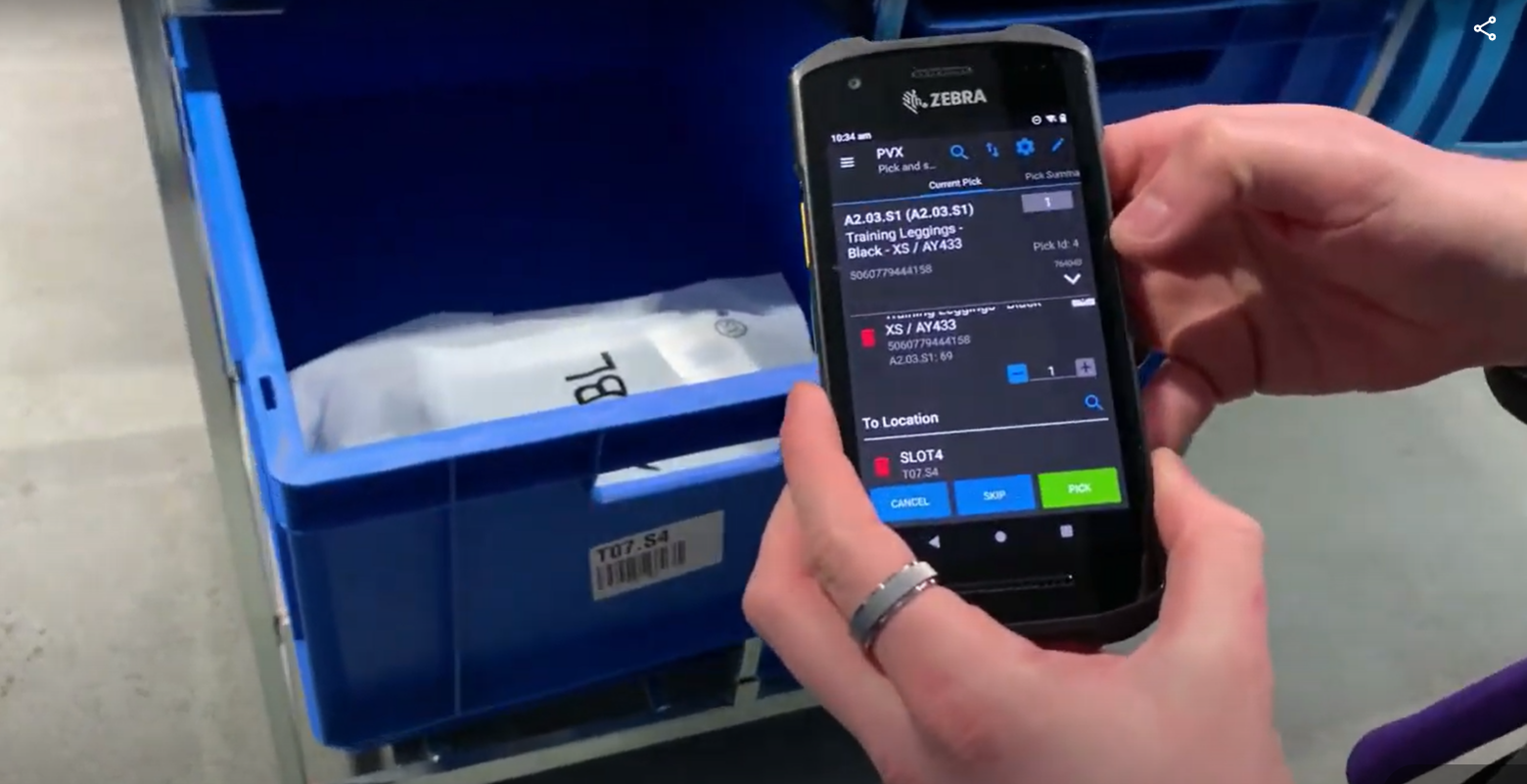
Brands that succeed here use a controlled workaround built for speed. Here’s an example workflow:
- An in-store customer purchases items at the counter via your POS system
- The system prints a ticket that includes the product barcode(s)
- Customer or employee brings the paper ticket to the warehouse window
- A warehouse picker takes the ticket and scans the barcode(s) on a mobile WMS device
- The system directs them to each item’s exact location in the warehouse
- The picker scans each warehouse bin location and product to remove it from inventory
- At the warehouse window, the picker hands the product(s) to the customer
This keeps the experience fast for the customer while still maintaining inventory accuracy.
Ready to see mobile picking workflows in action? Request a demo
Strategy 3: Retail and warehouse inventory are fully separate
Best for: Fast-growing retail and ecommerce brands that prioritize operational simplicity and channel clarity.
Separating inventory reduces risk as volumes scale and is often the preferred model once a business outgrows a single retail warehouse location.
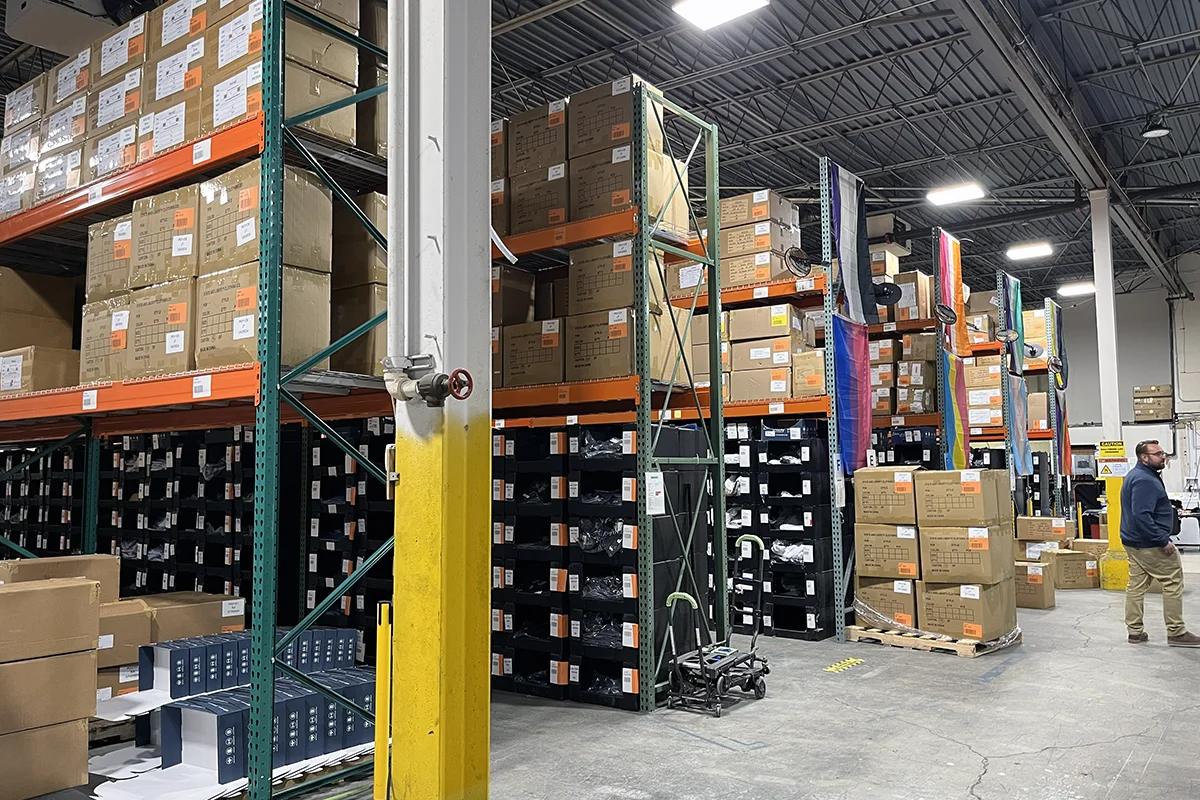
Operationally, this is the simplest strategy. The retail warehouse (either attached or stand-alone) exclusively holds inventory for brick-and-mortar stores. Stock for ecommerce orders is housed in a separate warehouse, and inventory pools do not overlap.
There’s no risk of overselling between channels, and each team can focus on delivering the best possible experience for its customer base.
Many brands that reach this decision do not look back. Clear separation allows the retail team to stay flexible and customer-focused, while the ecommerce warehouse runs with the accuracy and structure that ecommerce demands.
A real-world example
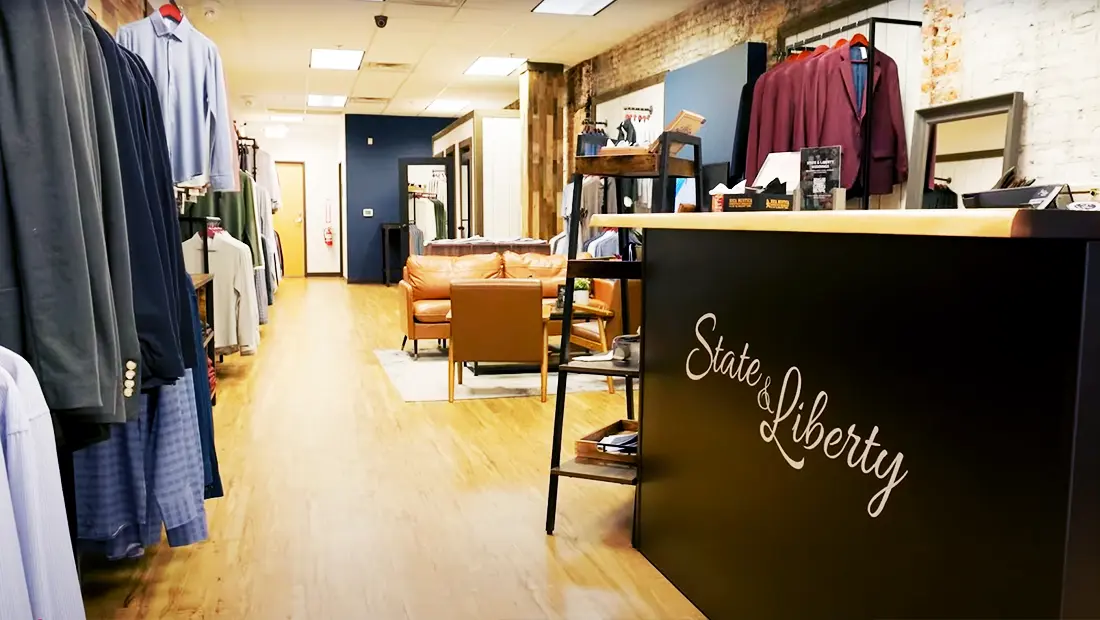
State & Liberty Clothing Co. supports a growing brick-and-mortar store network while maintaining tight warehouse control for ecommerce and store replenishment.
Their success came from clearly defining how stock moves and which channel owns which inventory. Read their success story
What matters most in a retail warehouse setup?
No matter which strategy you choose, a few principles consistently separate smooth operations from daily firefighting:
- One system of record for inventory
- Barcode scanning at every stock movement
- Clear rules for what can be sold, picked, or moved
- Processes designed for real human behavior, not theory
A retail warehouse can absolutely support both ecommerce and in-store sales. But only when accuracy is protected as fiercely as customer experience.
When growth pushes you beyond a hybrid retail warehouse
For many retail businesses, running a brick-and-mortar store and warehouse in the same location is a smart way to start. It keeps operations lean, inventory close by, and decision-making simple while volumes are manageable.
Growth changes that.
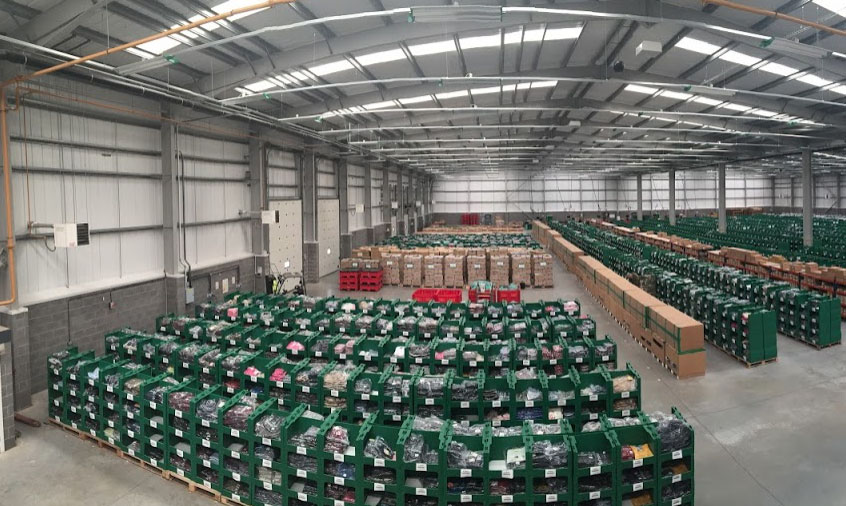
As order volume increases and sales channels expand, managing inventory for an online store from a single hybrid location becomes harder to sustain. What once felt flexible can quickly become restrictive as inventory needs to move across:
- A retail floor
- Multiple online sales channels
- One or more fulfillment warehouses
- Overflow or bulk storage
- Pop-ups, trade counters, or new store openings
At this stage, the challenge is no longer just where inventory is stored, but how accurately it is tracked as it moves.
Signs that you're outgrowing your current strategy
Retailers often feel the strain first in their online store inventory. Overselling becomes more frequent. Replenishment decisions rely on gut feel. Teams lose confidence in what stock is actually available to promise customers.
This is a natural inflection point for growing brands.
As complexity increases, managing online inventory accurately with spreadsheets, POS adjustments, or manual checks stops being viable. The business needs systems that scale with it.
Ready to plan your next stage of growth?
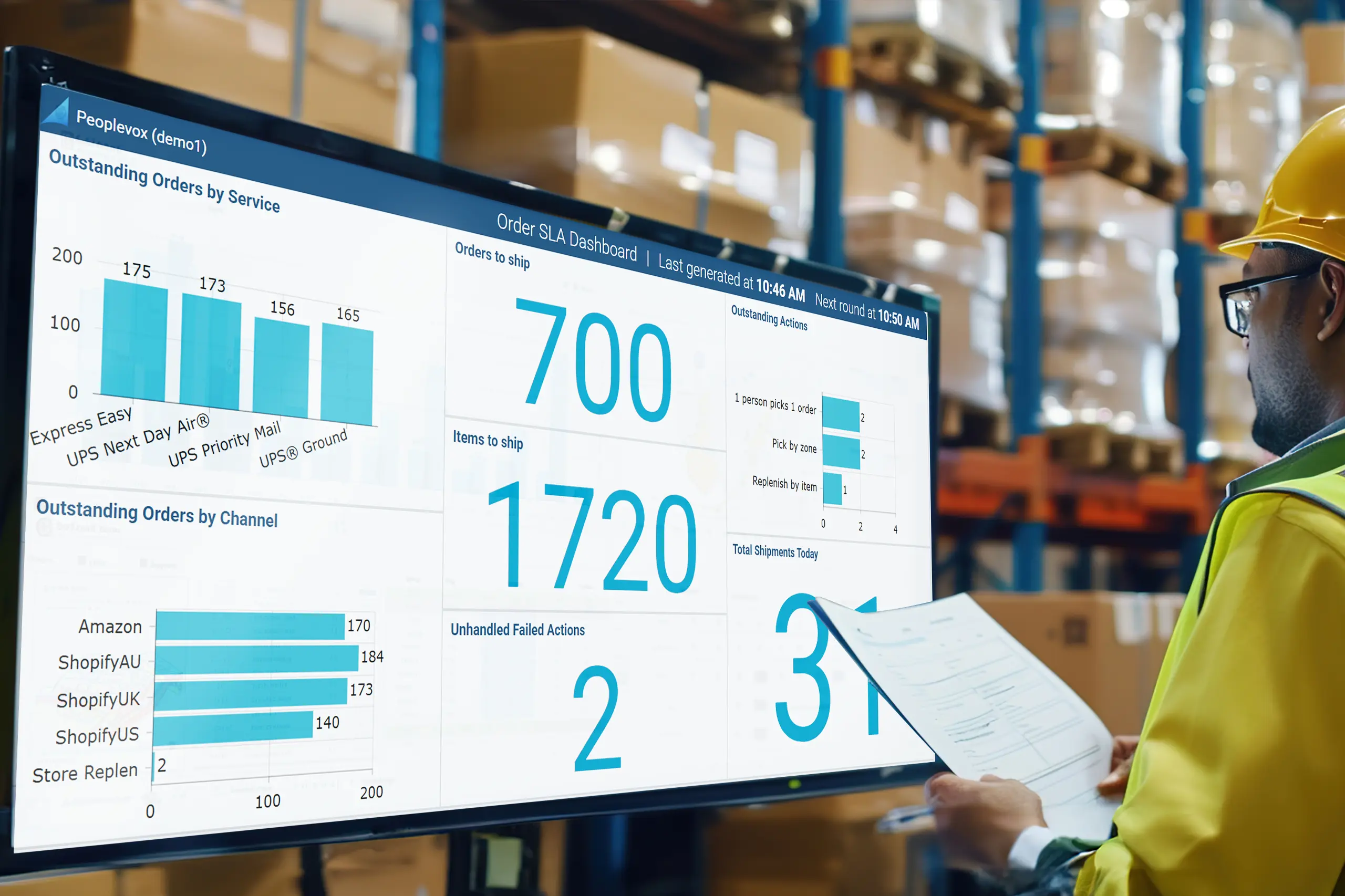
Descartes offers integrated inventory management and warehouse management solutions to help you maintain control and visibility. We equip your retail business to scale locations, channels, and order volumes without losing confidence in your inventory.
-
Inventory management system (IMS) – Provides a centralized, real-time view of stock across locations and sales channels. It determines what inventory is available to sell, reserve, or transfer.
-
Warehouse management system (WMS) – Controls how inventory is physically received, stored, moved, picked, and shipped within each warehouse.
See how Descartes systems work together to keep inventory accurate as your retail and ecommerce operations scale.
Retail warehouse FAQs
What is the biggest risk in a combined retail warehouse?
Overselling caused by inventory changes that are not reflected across systems in real time.
Should ecommerce or retail take priority in a shared warehouse?
For most growing brands, ecommerce should remain the system-driving channel, with retail processes designed to work within those controls.
Can a retail warehouse scale without separating inventory?
Yes, but only with strict scanning discipline and clearly defined workflows. As volume grows, many brands eventually separate inventory to reduce complexity.
Is a POS system enough to manage retail warehouse inventory?
No. A POS handles transactions, not warehouse control. A WMS is required to manage locations, movements, and inventory accuracy.
Do brands use same-location retail warehousing long-term?
Some do, but many outgrow it. As complexity increases, retailers often move to dedicated ecommerce fulfillment centers or separate inventory pools to maintain accuracy and support growth.